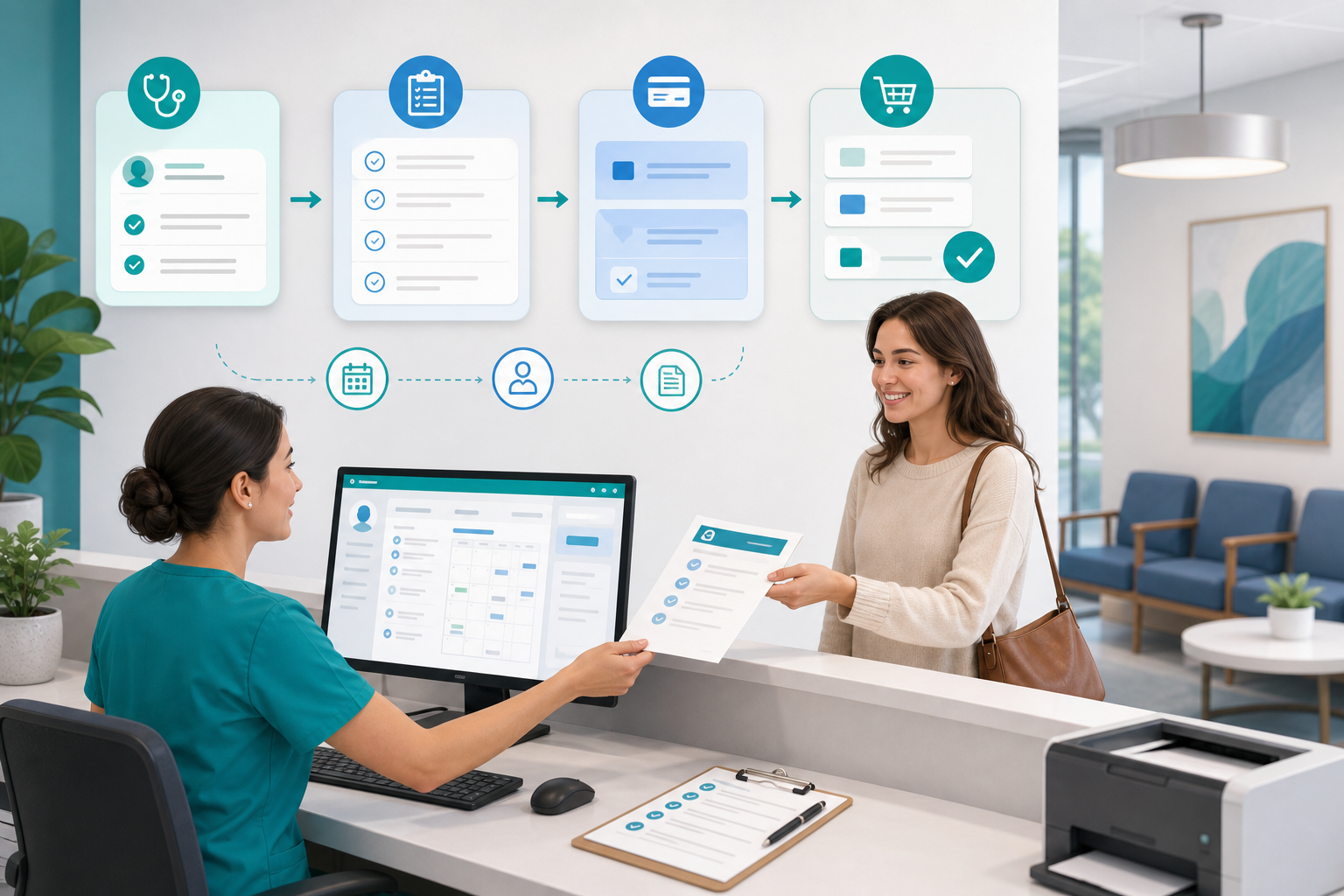
Patient no-shows can quietly drain a small practice’s time, revenue, and staff energy. The good news is that you do not need a complicated call center or a large operations team to improve appointment attendance. With a simple workflow built around timely appointment reminders, clear confirmation rules, and a practical same-day fill list, independent practices can make their schedule more predictable and easier to manage.
What works best is not a single reminder message. It is a repeatable process your front desk and clinical staff can follow every day without guessing what comes next. Below is a straightforward framework you can put into place, refine over time, and support with the right medical practice management software.
Why small practices need a defined no-show workflow
In many small offices, no-show prevention happens informally. One staff member sends a reminder when they remember. Another calls certain patients but not others. Someone keeps a mental list of patients who want an earlier opening. That may work for a while, but it usually breaks down when the schedule gets busy.
A defined workflow helps with:
- Consistency: every patient gets the same baseline communication.
- Staff efficiency: team members know when to text, call, confirm, and release openings.
- Schedule optimization: empty slots can be identified earlier and filled faster.
- Better patient experience: reminders and confirmations make it easier for patients to keep appointments or reschedule in time.
This is especially important for small practices where even one or two missed visits can affect the entire day.
Start with a realistic goal for reducing patient no-shows
Before changing your process, define what success looks like. Avoid trying to solve everything at once. A small practice will usually get better results by improving a few specific steps and measuring them consistently.
Pick simple metrics your team can track
You do not need a complex analytics program. Start with a short weekly dashboard that includes:
- Total scheduled appointments
- Total no-shows
- Late cancellations
- Confirmation rate
- Number of same-day openings filled
- Appointment attendance rate by provider or visit type
If your current system makes it hard to see this data, it may be worth reviewing whether your tools are supporting your workflow. Small practices often benefit from software that combines scheduling, reminders, and reporting in one place, like the tools described on MediCore’s platform overview.
Segment the appointments most at risk
Not every visit type has the same no-show risk. Start by looking for patterns such as:
- Early morning or late afternoon appointments
- New patient visits
- Behavioral health or follow-up visits
- Appointments scheduled far in advance
- Patients with prior no-shows or repeated late cancellations
This lets you apply your workflow in a smarter way. High-risk appointments may need more than one reminder or a live confirmation call.
Build the core workflow: reminders, confirmation rules, and a same-day fill list
The simplest effective system has three layers: remind patients, confirm intent, and refill released slots quickly. Each layer supports the next.
Step 1: Send appointment reminders at predictable times
Reminder timing matters. One reminder is often not enough, especially for appointments booked weeks in advance. A practical cadence for many small practices looks like this:
- At booking: send an immediate confirmation with date, time, location, and any preparation instructions.
- Three to seven days before: send the first reminder for most routine visits.
- One to two days before: send a second reminder with a clear confirmation option.
- The morning of the appointment: for selected visit types, send a brief same-day reminder.
Text messaging is often the easiest channel for patients to act on quickly, but some practices may prefer a mix of text, email, and phone calls depending on patient preference and consent. The U.S. Department of Health and Human Services offers general guidance on patient communication and privacy at HHS.gov. Make sure your reminder process aligns with your privacy policies and communication consents.
What a good reminder should include
Keep reminder messages short and actionable. A patient should immediately know what the appointment is and what to do next.
- Practice name
- Date and time
- Provider or visit type, if appropriate
- Location or telehealth details
- A simple way to confirm or request rescheduling
Tip: The best reminder message is not the most detailed one. It is the one patients can respond to in seconds.
Step 2: Create clear confirmation rules
A confirmation workflow removes guesswork for staff. Instead of asking, “Should we call this patient?” your team follows pre-set rules based on timing and patient response.
Here is an example of a simple confirmation structure:
- Confirmed: patient replies yes, clicks confirm, or verbally confirms.
- Pending: reminder sent, but no response yet.
- Needs outreach: no response by a defined cutoff time.
- Released/reschedule needed: patient declines, requests rescheduling, or cannot be reached after defined attempts for certain appointment types.
Use cutoffs your staff can actually follow
Your rules should match the pace of your practice. For example:
- If no response 48 hours before a high-value or long appointment, place one live call.
- If no response by 3 p.m. the business day before, mark the appointment for manual review.
- If the patient indicates they cannot attend, offer the next available opening immediately.
- If a slot is opened, move it to the same-day fill process right away.
The point is not to punish patients. It is to avoid leaving valuable time unmanaged.
Step 3: Maintain a same-day fill list that is easy to use
A same-day fill list is one of the simplest ways to recover lost time. It should not live in someone’s memory or in scattered sticky notes. It should be a short, organized list of patients who want earlier appointments and are likely to come in on short notice.
Your fill list can include:
- Patient name and contact method
- Preferred days or times
- Visit type
- Provider preference
- How quickly they can arrive or log in
- Any transportation or availability limits
Patients on the list should have already agreed to be contacted for earlier openings. That small step saves time and avoids unnecessary calls.
How to set up a simple daily operating rhythm
The best workflow is one your team can repeat with minimal friction. A daily rhythm keeps reminders, confirmations, and fills from piling up.
Morning huddle
At the start of the day, review:
- Today’s unconfirmed appointments
- Likely cancellations or at-risk visits
- Open slots that can be offered
- Priority patients on the same-day fill list
This does not need to be a long meeting. Five minutes is often enough.
Midday check
By midday, confirm the next business day’s schedule status:
- Who has already confirmed
- Who still needs outreach
- Which appointments should trigger a live call
- Whether any openings should be offered before the end of the day
End-of-day cleanup
Before closing, make sure:
- Reminder messages for the next day have been sent
- Pending confirmations are assigned
- New cancellation openings are added to the fill process
- No-show and cancellation notes are documented consistently
A consistent rhythm matters more than a complicated policy manual.
Decide when to automate and when to use staff outreach
Automation should handle the routine work, but human outreach still matters for certain appointments. The right balance saves staff time without making patients feel ignored.
Good candidates for automation
- Standard reminder messages
- Confirmation requests
- Routine rescheduling links
- Status changes in the schedule
- Basic reporting on confirmation and attendance
Good candidates for live outreach
- New patient visits
- Long appointments or procedure blocks
- Patients with repeated no-shows
- Appointments requiring prep instructions
- Patients who do not use text or email reliably
If your staff is manually juggling reminders, follow-ups, and fill opportunities across multiple systems, you may be creating work that software should handle. Practices comparing tools often look for scheduling automation, communication features, and ease of use rather than enterprise-level complexity. For teams evaluating options, this overview of MediCore vs. athenahealth highlights differences relevant to smaller practices.
Make your same-day fill list actually usable
Many practices say they have a fill list, but very few have one that can be used in under two minutes. If it takes too long to search, verify, and call patients, the opening may go unused.
Prioritize by fill likelihood
Do not keep one long undifferentiated list. Tag or group patients by:
- Can come within 1 hour
- Can come same day with 2 to 4 hours notice
- Open to telehealth only
- Specific provider only
- Flexible follow-up visits
When a cancellation occurs, staff should know exactly which group to contact first.
Create a short outreach script
Give staff a standard message so they can move quickly and stay consistent.
“Hi, this is [Practice Name]. We have an earlier opening today at [time] with [provider]. You asked to be contacted if something opened up. Would you like to take it?”
If the patient declines, move to the next person immediately. Do not overcomplicate the process.
Keep the list current
Review your fill list weekly. Remove patients who no longer want earlier openings, have already been scheduled, or repeatedly decline. A shorter current list is better than a long outdated one.
Use no-show patterns to improve appointment attendance over time
Once your workflow is in place, use it to learn. Even simple patterns can help improve appointment attendance without adding more staff work.
Look for operational causes, not just patient behavior
Sometimes missed visits are linked to your process, not only the patient. Ask questions such as:
- Are reminders going out too late?
- Are instructions unclear?
- Are patients having trouble confirming?
- Are certain visit types booked too far in advance?
- Are wait times or prior experiences affecting return visits?
The American Medical Association provides general practice operations resources at AMA, and CMS offers broad administrative guidance at CMS.gov. These sources can be useful when refining patient communication, access, and scheduling processes.
Identify patients who need a different workflow
Not all patients should stay in the standard pathway. Some may benefit from:
- Extra reminder touches
- Phone confirmation only
- Shorter booking windows
- More explicit preparation instructions
- Immediate rescheduling assistance after a missed appointment
This is a practical way to personalize your workflow without making it hard to manage.
Keep the policy patient-friendly and staff-friendly
A no-show workflow should support accountability, but it should also be reasonable. Small practices depend on long-term patient relationships, so tone matters.
Communicate expectations clearly
Patients should know:
- How they will receive reminders
- How to confirm or reschedule
- How much notice is preferred for cancellations
- Whether the practice has a missed appointment policy
Clear communication reduces confusion and helps staff enforce the process consistently.
Train staff on exceptions
Real life happens. Transportation issues, work conflicts, caregiving responsibilities, and sudden illness can all affect attendance. Staff should know when to follow the standard workflow and when to escalate for a more flexible response. Consistency is important, but rigid scripts can damage trust.
Technology can make schedule optimization much easier
Spreadsheets and manual call lists can work for a while, but they often become a bottleneck as volume grows. The easiest workflows are usually supported by software that connects scheduling, reminders, confirmations, and patient records in one system.
When evaluating tools for schedule optimization, look for features such as:
- Automated text and email reminders
- Two-way confirmation messaging
- Easy rescheduling workflows
- Waitlist or same-day fill list support
- Reporting on no-shows and attendance trends
- Simple setup for small independent practices
If your team is ready to streamline these tasks without adding operational overhead, you can review MediCore pricing and see whether the workflow fits your practice size and needs.
Implementation checklist for the next 30 days
If you want to put this into action quickly, keep the rollout simple.
- Week 1: define reminder timing, confirmation statuses, and staff responsibilities.
- Week 2: build or clean up your same-day fill list and gather patient communication preferences.
- Week 3: start using the workflow for one provider, one location, or one visit type.
- Week 4: review confirmation rates, no-shows, and fill success; then adjust your rules.
Do not wait for a perfect process. A basic consistent system usually performs better than an ideal workflow that never gets implemented.
Conclusion: a simple system can reduce patient no-shows
Reducing patient no-shows does not require a large staff or a complicated operations playbook. For most small practices, the biggest gains come from a dependable routine: send timely appointment reminders, apply clear confirmation rules, and keep a same-day fill list ready to use when openings appear. Over time, that structure improves appointment attendance, protects provider time, and supports better schedule optimization.
If you are ready to make scheduling easier for your team, start a 14-day free trial or contact the MediCore team to see how a simpler workflow can fit your practice.
Frequently asked questions
How many appointment reminders should a small practice send?+
For many small practices, two reminders plus the original booking confirmation is a practical starting point. One reminder several days before the visit and another one to two days before the appointment often gives patients enough time to confirm or reschedule without overwhelming them.
What is a same-day fill list in medical scheduling?+
A same-day fill list is a list of patients who want an earlier appointment if a slot opens up. It usually includes contact details, visit type, provider preference, and how quickly the patient can come in or join a telehealth visit.
Should every unconfirmed appointment be canceled automatically?+
Not usually. Most small practices do better with a tiered confirmation workflow that uses automation first, then staff outreach for higher-risk or higher-value appointments. Automatic cancellation policies should be used carefully and clearly communicated to patients.
How can we improve appointment attendance without adding more front-desk staff?+
The biggest opportunities are usually standardizing reminder timing, automating confirmation messages, and keeping a simple same-day fill list. When staff no longer have to decide what to do on every appointment, they can manage more volume with less stress.
Which patients should get extra no-show prevention outreach?+
Patients with a history of missed visits, new patients, long appointments, and visits that require preparation are common candidates for extra outreach. A brief live call or an additional reminder can be more effective for these groups than relying on a standard automated message alone.
What should a small practice track to know if its workflow is working?+
Start with a few simple measures: no-show rate, late cancellation rate, confirmation rate, and the number of same-day openings filled. Reviewing these consistently by provider or visit type can show where the workflow is helping and where it still needs refinement.